
Mobile Access
Track Time and Expenses From Anywhere
Mobile time and expense tracking that lets employees enter hours, capture receipts, submit timesheets, and review approvals from any device.
Mobile time and expense tracking for wherever work happens
MindSalt gives employees a simple way to enter time, submit expenses, capture receipts, and review approvals from a phone, tablet, or desktop browser. Teams get flexible access without making everyone install, update, or manage another app.
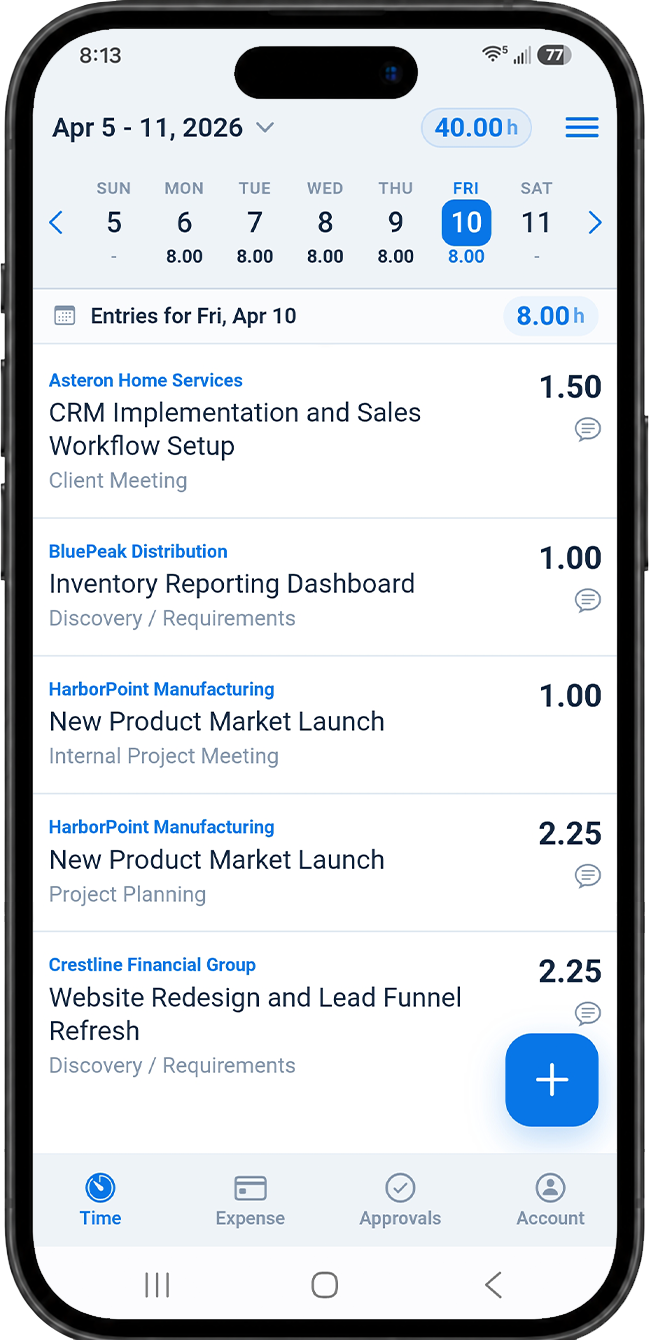
Enter Time From Any Device
Users can quickly add hours, update entries, and submit timesheets from a phone, tablet, or desktop browser. Time can be tracked by client, project, and task, so mobile entries still land exactly where they belong.
- Track time by client, project, and task
- Quickly add favorite or repeat activities
- Submit timesheets without returning to a desk
- Add comments when extra detail is needed
Capture Expenses on the Go
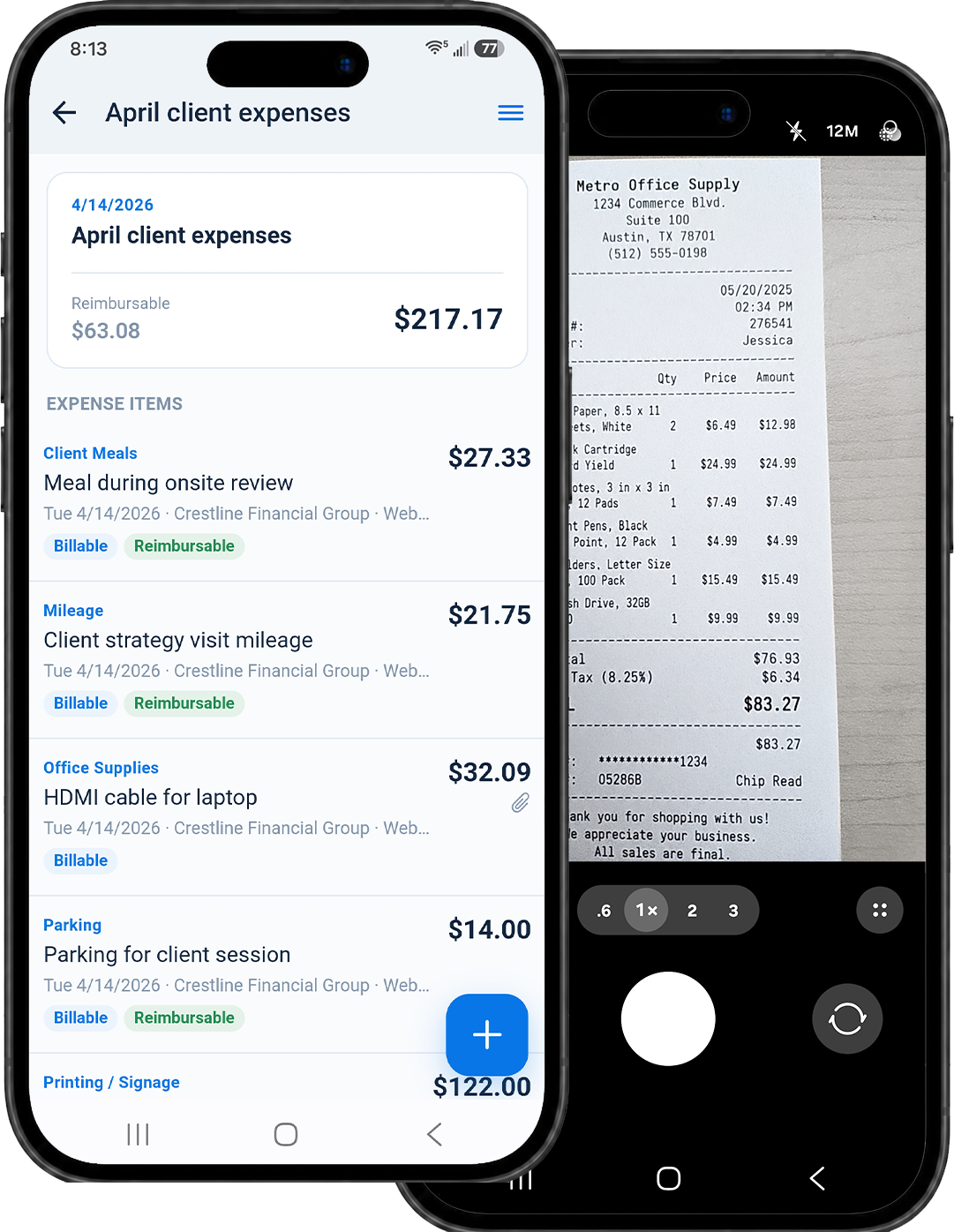
Users can snap receipt photos, enter expense details, and connect costs to the right project before the receipt gets lost in a bag, inbox, or glove compartment.
- Snap receipt photos as expenses occur
- Track reimbursable and billable expenses
- Keep project costs organized in real time
Keep Approvals Moving
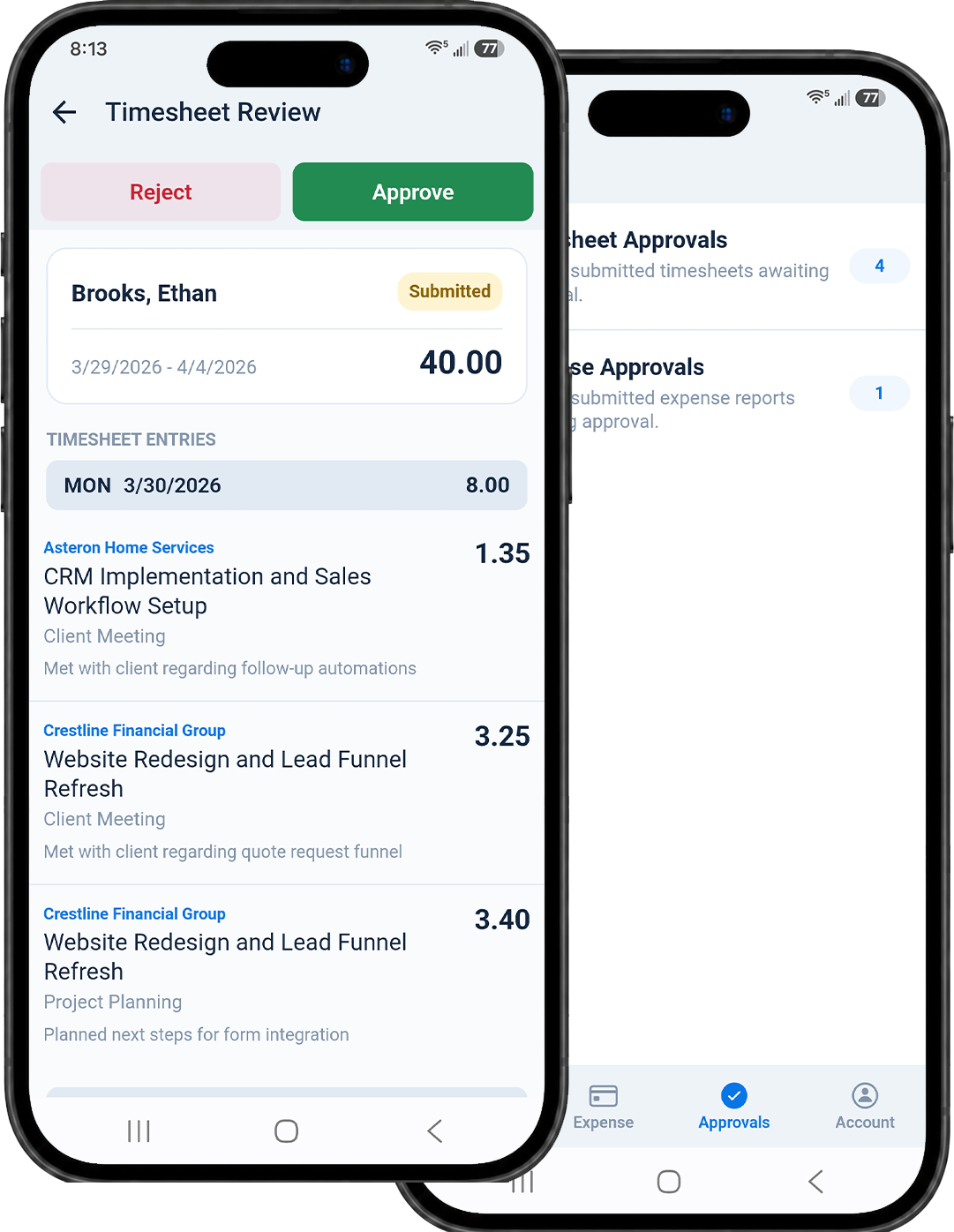
Managers can review submitted time and expenses from a mobile device, approve or reject items, and keep payroll, billing, invoicing, and reimbursements from getting stuck.
- Review submitted timesheets and expenses
- Approve or reject items as needed
- Reduce delays in billing, payroll, and reimbursement
Built for Modern Teams
Why Teams Choose MindSalt for Mobile Time and Expense Tracking
Time and expense tracking should be easy, not annoying. MindSalt helps teams log hours, capture receipts, track project work, and review submissions without the usual back-and-forth.
No App to Install
MindSalt is built mobile-first, giving your team a smooth experience on any device without requiring another app.
Built for Flexible Teams
Support remote employees, field teams, consultants, and traveling staff with one connected system.
Fewer Delays
Mobile access helps time, expenses, approvals, billing, and payroll move forward faster.
Related Features
Time Tracking
Expense Tracking
Projects
FAQ
Common Mobile Time and Expense Questions
Can employees track time from their phones?
Yes. MindSalt is mobile-friendly, so employees can enter, edit, and submit time from a phone, tablet, or desktop browser.
Do users need to install a mobile app?
No. MindSalt is built mobile-first, which means it is designed to work smoothly on phones, tablets, and desktops through a modern web browser. There is no separate app to install or maintain, making it easier for employees to use from personal or company-owned devices.
Can employees upload receipts from a mobile device?
Yes. Employees can capture or upload receipt images from their phone and attach them to expense entries.
Can managers approve time and expenses on mobile?
Yes. Managers can review submitted time and expenses from a mobile device, helping reduce approval delays.
Get started with MindSalt
Ready to track time and expenses from anywhere?
Give your team mobile-friendly access to timesheets, expenses, receipts, and approvals without another app to install.